Windows
v0.4.8
Installer
Best for most people: a guided setup that creates desktop and Start Menu entries, ready to use right after install.
Windows 10/11 · x64 · approx. 3.7 MB


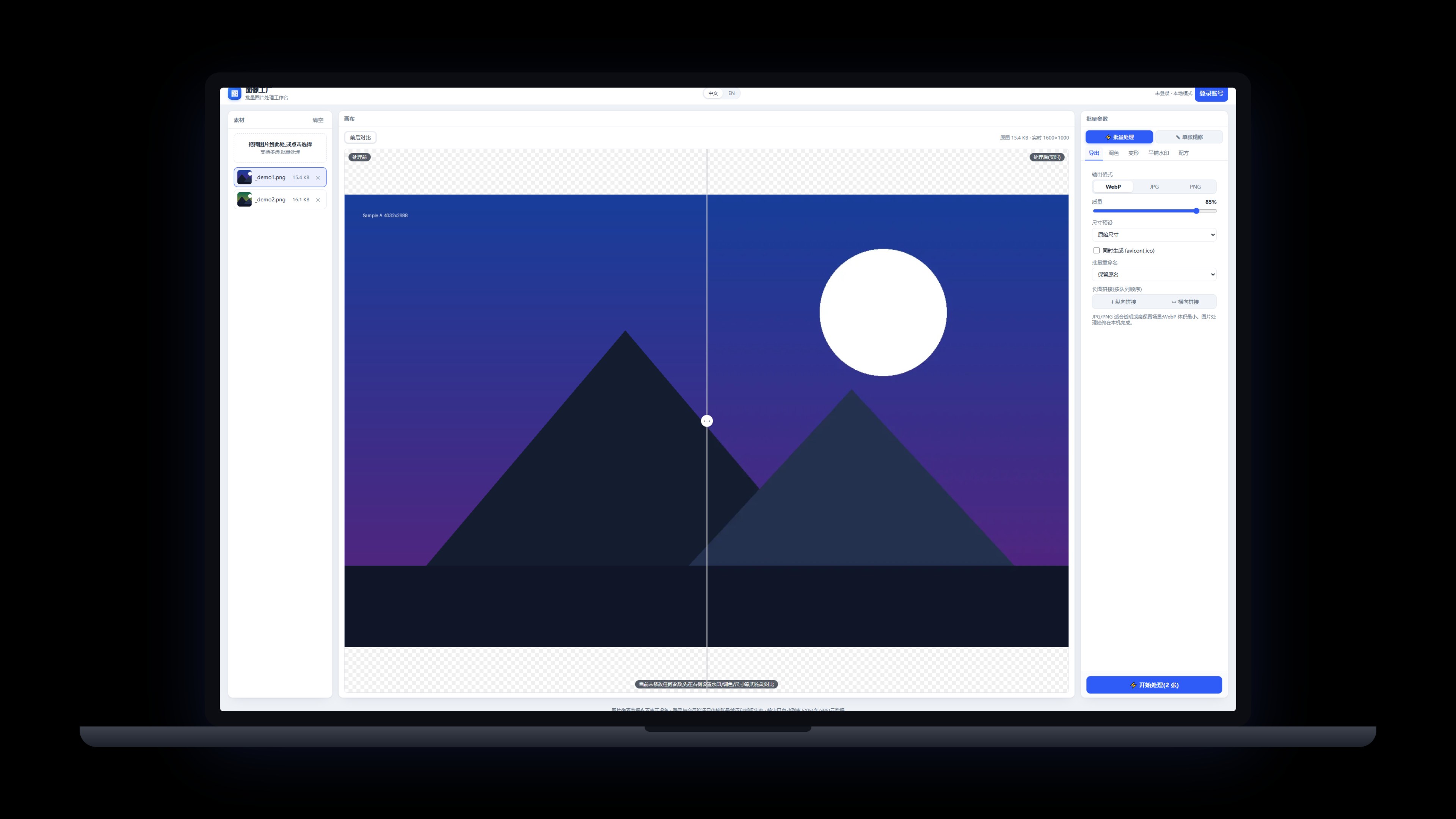
Batch image processing: watermark, convert, compress — all on your device
Watermarking, rotate/flip, format conversion, compression, batch processing and single-image edits (crop & mosaic). Everything runs on your device — images never leave it, and output is automatically stripped of EXIF (including GPS) metadata.
Windows / macOS (Apple Silicon) · on-device · images never upload · v0.4.8
 Back to Products>
Direct downloads from our site — no third-party store needed. Sign in with the same email on any app; one subscription covers them all.
Best for most people: a guided setup that creates desktop and Start Menu entries, ready to use right after install.
Windows 10/11 · x64 · approx. 3.7 MB
For Apple Silicon (M-series): open the dmg and drag the app into Applications.
macOS · Apple Silicon · approx. 4.5 MB
One subscription covers every app: all desktop products share the same account and membership, so installing more costs nothing extra.See membership →